
Video Call Background Canvas Wall Art UK: Glare-Free Sizing & Framing for Zoom & Teams Home Offices
Quick Takeaways: Professional Webcam Background Styling
- Zero Ring Light Glare with Matte Canvas: Traditional framed prints with glass covers reflect overhead LEDs, key lights, and ring lights directly into your webcam lens, causing blinding hotspots on screen. Stretched canvas features an organic micro-textured matte surface that eliminates 100% of camera glare.
- The Webcam "Rule of Thirds" Placement: When seated at your desk, your webcam frames your upper torso and head in the centre-lower half of the frame. Hang your background canvas so that its lower edge sits 15cm–25cm above your shoulder line, positioning the artwork in the upper third of your video feed for balanced, executive framing.
- Optimal Focal Depth (1.5m – 2.5m Distance): Position your desk so your back wall is 1.5 to 2.5 meters away from your webcam. This allows webcams with shallow depth of field (or digital background blur) to create a gentle, cinematic bokeh behind your head.
- Acoustic Flutter Echo Reduction: Empty back walls bounce your vocal frequencies back into your desk microphone, producing a hollow, unprofessional bathroom-echo effect during client meetings. Stretched canvas acts as an acoustic baffle, absorbing vocal reflections and clarifying your voice.
- Interactive Proportions & Free 4K Art: Visualise your home office background proportions using our Interactive UK Room & Surface Visualizer, and grab matching high-resolution art from our Free 4K Wallpapers Vault.
In the modern UK corporate landscape, virtual meetings across Microsoft Teams, Zoom, and Google Meet have permanently replaced boardrooms. Your video call background is your virtual handshake—communicating professional competence, attention to detail, and design taste to clients, colleagues, and executive leaders.
Yet countless remote professionals either rely on distorted digital artificial blur or subject their audience to cluttered laundry hampers, stark blank plaster, or blinding glass reflections. Below, our studio outlines the precise optical guidelines, canvas sizing rules, and acoustic considerations to transform your video backdrop into a polished executive suite.
Webcam Framing & Canvas Sizing Technical Matrix
| Camera Field of View (FOV) | Wall Distance Behind Chair | Recommended Canvas Size | Webcam Frame Coverage | Lighting & Reflection Benefit |
|---|---|---|---|---|
| Standard 65° – 78° Webcam (1080p) | 1.2 m – 1.8 m (Close Office) | 24″ × 16″ (61 × 41 cm) Landscape | Fills 35% of upper camera frame perfectly | Zero glare from desk monitors or ring lights |
| Wide Angle 90° FOV / 4K Webcam | 1.8 m – 2.5 m (Medium Office) | 20″ × 30″ (51 × 76 cm) or Diptych Pair | Anchors wide video perimeter without peripheral distortion | Diffuses ambient bounce light evenly across frame |
| DSLR / Mirrorless Camera (f/1.8 Bokeh) | 2.0 m – 3.0 m (Studio Setup) | 20″ × 30″ (51 × 76 cm) Large Canvas | Soft, blurred background art with high colour punch | Rich saturation remains vivid even under soft lens blur |
| Corner Desk Setup (Angled Wall) | 1.0 m – 1.5 m (Compact Box Room) | 24″ × 16″ (61 × 41 cm) Off-Centre | Placed over speaker's left or right shoulder | Creates asymmetrical visual depth in small UK bedrooms |
Selecting Subjects That Project Credibility & Calm
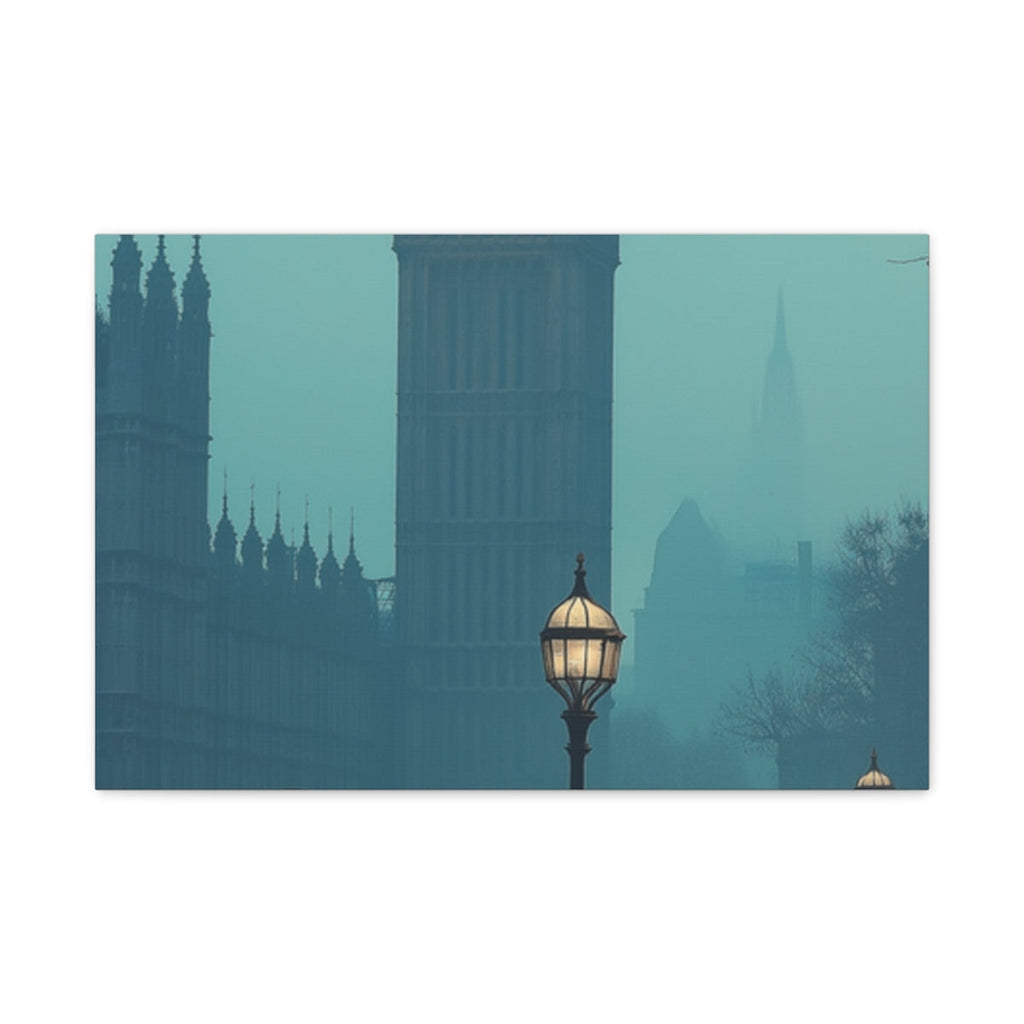
Artwork displayed in professional video calls should provoke positive curiosity without being visually chaotic. Atmospheric cityscapes (such as illuminated London streets or Parisian evening avenues) and architectural landscapes project cultured sophistication and worldly experience, making them fantastic icebreakers for executive presentations.
Shop Professional Home Office Canvas Prints with Free UK Delivery

Gaslit Victorian London Cobblestone Street — Gallery-Wrapped Stretched Canvas Wall Art (24″ × 16″)
£54.99 £69.99
✓ 100% Free Tracked UK Delivery Included

Oxford Street London at Night Illuminated — Gallery-Wrapped Stretched Canvas Wall Art
£54.99 £69.99
✓ 100% Free Tracked UK Delivery Included

Seoul After Dark Neon Skyline — Gallery-Wrapped Stretched Canvas Wall Art (20″ × 30″)
£64.99 £79.99
✓ 100% Free Tracked UK Delivery Included

Paris Snowy Evening Streetlight Glow — Gallery-Wrapped Stretched Canvas Wall Art
£54.99 £69.99
✓ 100% Free Tracked UK Delivery Included
Explore Complementary Guides & Studio Collections
Build an executive home office sanctuary across our studio ranges: explore Stretched Canvas Wall Art, ergonomic Extended Desk Mats, and cozy Plush Fleece Blankets. For technical wall placement guidelines, read our Hallway, Home Office & Bedroom Canvas Wall Art Placement Height Guide UK and our Gallery Wall Grid Layout vs Asymmetric Salon Hang UK Guide.
Frequently Asked Questions (FAQ)
1. How high should I hang artwork behind my home office chair?
Sit in your normal working posture and take a screenshot in your meeting software. The bottom edge of the canvas should hang approximately 10cm to 20cm above the top of your head or office chair headrest so it is completely visible to your camera.
2. Why is canvas better than a glossy glass poster frame for Zoom calls?
Glass poster frames act like mirrors, reflecting the light from your computer monitor, windows, and webcam lights straight into your camera lens. Canvas uses a textured, glare-absorbing fabric weave that ensures zero reflections.
3. Does wall art actually improve call audio quality?
Yes. Bare plasterboard walls create acoustic reflections that cause vocal echo and distortion in microphone feeds. Stretched canvas absorbs sound energy, noticeably deadening room flutter echo for clearer speech.
