
Desk Mat vs Mouse Pad for FPS Gaming UK: Glide Speed, Micro-Adjustments & Stopping Power Compared
Quick Takeaways: Extended Desk Mat vs Traditional Mouse Pad for FPS
- Zero Edge Collision for Low-DPI Aiming: Competitive FPS titles (Valorant, CS2, Apex Legends, Call of Duty) require low in-game sensitivities (400–800 eDPI) and wide arm sweeps. A traditional 30×25 cm mouse pad causes your mouse sensor to drop off the edge mid-flick. An 80×40 cm XXL desk mat gives you 45cm+ of unimpeded horizontal mouse travel.
- Keyboard Anchoring Stability: A standalone mouse pad sits adjacent to your keyboard. Aggressive WASD keystrokes or desk bumps can cause mouse pad shifting. On an extended desk mat, the heavy mechanical keyboard acts as a stabilizing weight over the non-slip rubber base, keeping the surface completely immobile.
- Balanced Control vs Speed Hybrid: Micro-woven synthetic cloth delivers a low initial friction coefficient (dynamic glide) for smooth crosshair micro-adjustments, combined with adequate surface weave resistance for crisp stopping power when clicking heads.
- Forearm & Elbow Comfort: Low-DPI arm aimers pivot their forearm directly on the front desk edge. A bare desk corner causes circulation pinch points and skin irritation. A 3mm–4mm padded desk mat with anti-fray stitched borders provides continuous forearm cushioning.
- Interactive Proportions & Free 4K Art: Visualise your battlestation mouse clearance using our Interactive UK Desk Mat Size Visualizer, and grab matching high-resolution art from our Free 4K Wallpapers Vault.
In competitive first-person shooter (FPS) esports, aim precision is determined by millimeter-level consistency. UK gamers spend hundreds of pounds fine-tuning 8,000Hz polling rate optical mice, superlight honeycomb chassis, and PTFE mouse skates. Yet if the tracking surface beneath your mouse lacks sufficient horizontal travel or bunches up during intense firefights, your mechanical accuracy suffers.
The debate between a traditional standalone mouse pad and a full-desk extended gaming mat comes down to friction dynamics, arm sweep range, and desk stability. Below, we break down why modern competitive gamers overwhelmingly favor XXL extended desk mats.
FPS Gaming Surface Comparison: Small Pad vs XXL Extended Desk Mat
| Performance Attribute | Traditional Mouse Pad (Medium) | XXL Extended Desk Mat (80×40 cm) | FPS Gaming Impact |
|---|---|---|---|
| Usable Mouse Swipe Area | 25 cm – 30 cm width | 45 cm – 55 cm width (next to 75% board) | Enables full 180° & 360° sweeps without lifting mouse |
| Friction & Micro-Adjustments | Fast glide; wears out in centre spot quickly | Uniform micro-woven synthetic weave | Consistent static friction across entire tracking zone |
| Desk Edge Protection | Forearm hangs off onto bare sharp desk rim | Padded 3mm rubber cushions entire forearm pivot | Eliminates pressure neuropathy & skin drag during arm aiming |
| Surface Creeping / Sliding | Prone to shifting during aggressive flick shots | Anchored by heavy keyboard + textured rubber base | 100% zero-slip guarantee during clutch moments |
Mastering Stopping Power & Low-DPI Tracking Consistency
High-speed glass and hard plastic mouse pads offer virtually zero dynamic friction, making cursor movements feel effortless. However, stopping power—the ability to brake your mouse dead-centre on an enemy hitbox—requires micro-texture feedback. A premium micro-woven polyester cloth extended desk mat provides that crucial tactile feedback loop, allowing your palm muscles to micro-adjust instantly without overshooting.
Shop High-Precision Gaming Desk Mats with Free UK Delivery

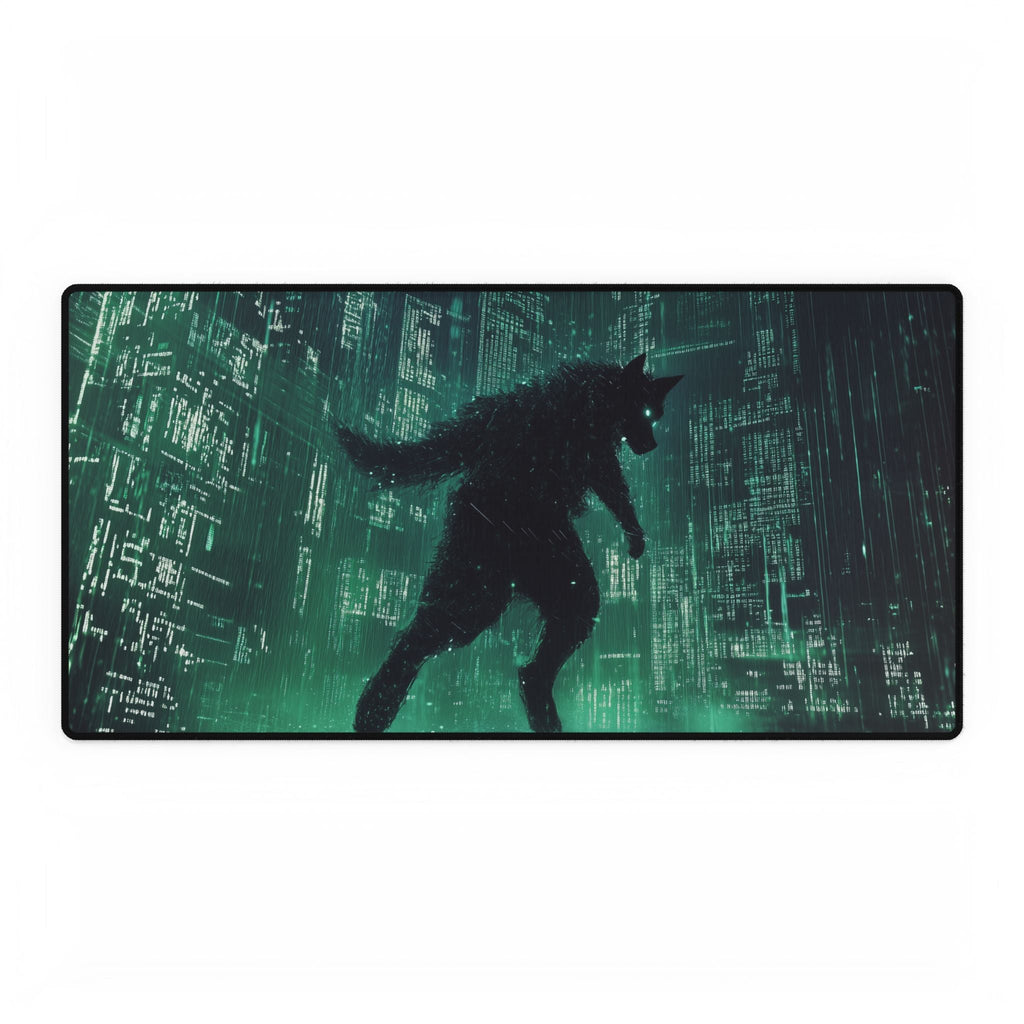
Cyberpunk Neon Wolf Matrix Rain — XL & XXL Extended Gaming Desk Mat
£34.99 £44.99
✓ 100% Free Tracked UK Delivery Included

Bioluminescent Jellyfish Crystal Cave — XL & XXL Extended Gaming Desk Mat
£34.99
✓ 100% Free Tracked UK Delivery Included

Molten Crystal Volcano Eruption — XL & XXL Extended Gaming Desk Mat
£34.99 £44.99
✓ 100% Free Tracked UK Delivery Included

Holographic Jungle Ruins Neon Spirits — XL & XXL Extended Gaming Desk Mat
£34.99
✓ 100% Free Tracked UK Delivery Included
Explore Complementary Guides & Studio Collections
Upgrade your complete gaming sanctuary across our studio ranges: explore Extended Gaming Desk Mats, graphic Unisex Streetwear T-Shirts, and acoustic Stretched Canvas Wall Art. For deep technical setups, check out our guide on Mouse Sensor Tracking on Micro-Woven Cloth vs Glass Desk Mats UK and our Mechanical Keyboard Desk Mat Pairing Guide UK.
Frequently Asked Questions (FAQ)
1. Will optical gaming sensors track accurately on patterned desk mats?
Yes. Contemporary gaming mouse sensors (such as PixArt PAW3395, PAW3950, and Logitech HERO) utilize advanced infrared LED imaging that reads microscopic weave fibres rather than surface dye patterns, ensuring flawless 1:1 tracking without jitter.
2. How thick should an FPS gaming desk mat be?
The optimal thickness is 3mm to 4mm. A 3mm–4mm natural rubber core provides wrist cushioning and absorbs desk imperfections without feeling overly squishy, which could cause mouse feet to sink in during heavy click pressure.
3. Do stitched edges interfere with mouse gliding?
No. Our gaming desk mats use flat, high-density edge-stitching that sits flush with the cloth tracking surface, ensuring your mouse glides effortlessly without catching even if you swipe off the perimeter.
